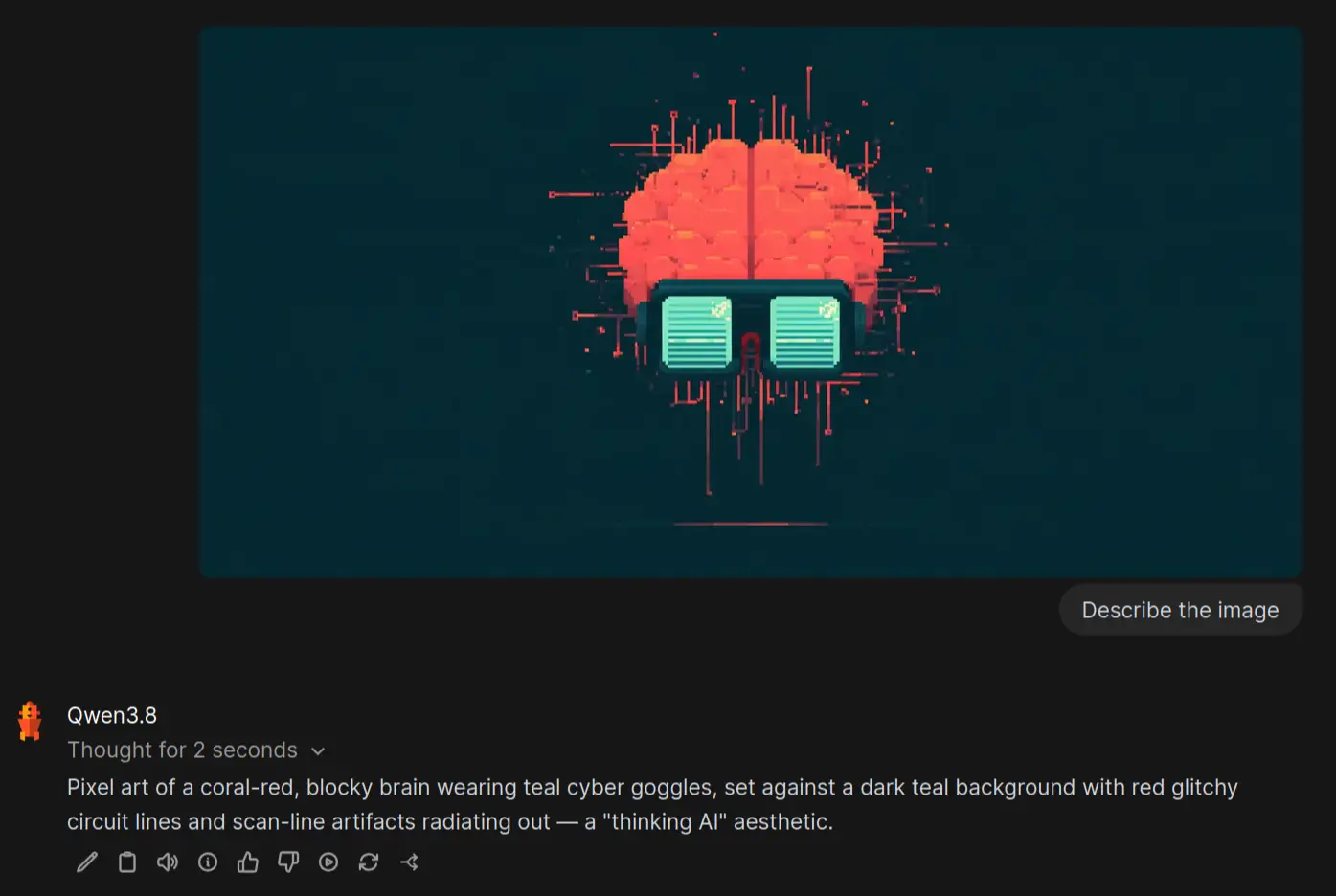


Giving vision to my local AI setup using llama.cpp

I noticed that Qwen 3.8 was described using the following:
… a native vision-language model that understands images and videos …
and wondered why llama.cpp wouldn’t allow me to add images to the chat context (while allowing text and PDF files), and why Open WebUI would give me the following (non-obvious) error:
image input is not supported - hint: if this is unexpected, you may need to provide the mmproj
Fortunately, the issue was quickly resolved.
To get to the core of the problem, I decided to remove Open WebUI from the equation by using the llama.cpp UI chat directly.
Here, the error was presented much prettier in the UI, but not any more helpful:
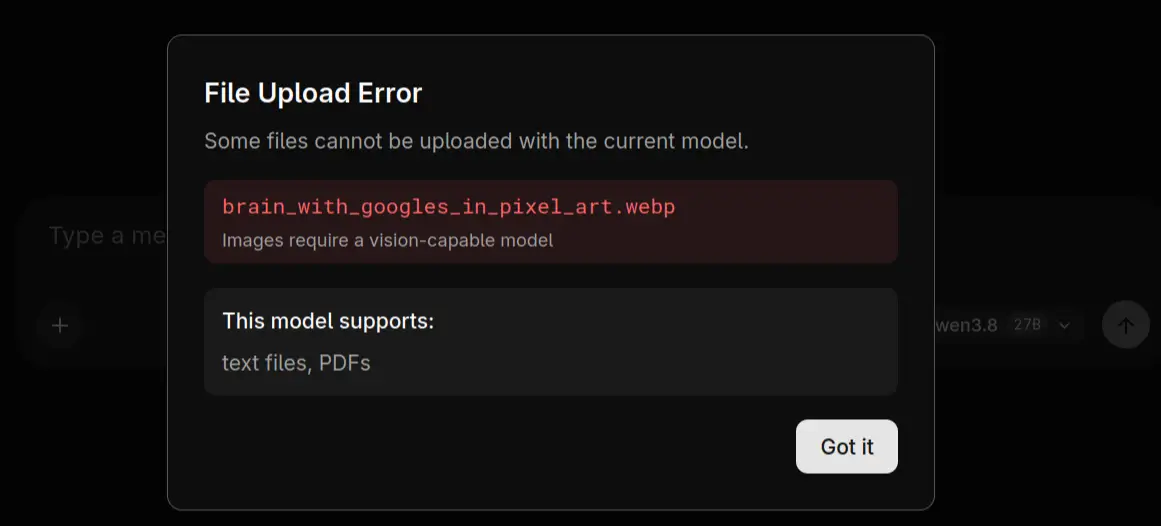
Having to start somewhere, I searched for any mentions of “vision” and “mmproj” in the README.md for llama.cpp, without any luck. Initial internet searches pointed toward compiling llama.cpp or using llama-mtmd-cli, neither of which felt like the right direction.
Supposedly, using the llama cli -hf ... command to download models automatically also ensures vision capabilities when supported (not verified).
But since I’ve opted to host llama.cpp on a server and populate it with models manually, I needed a different approach.
I found the hint I needed in the GitHub discussion #22190 - How to use –mmproj, specifically in this sentence:
If the model contains multiple GGUF (for multimodal or multi-shard), files should be put into a subdirectory.
So now I suspected that I would need to download extra files, but from where… Hugging Face wasn’t eager to push them in my face, like with the models. After navigating back and forth using unsloth/Qwen3.8-27B-GGUF as my starting point, I found the tab Files and versions at the top, which included the following two files with the right “smell”:
mmproj-BF16.ggufmmproj-F16.gguf
AI claims these files are the “multimodal projection layer of a vision-language model” and that the BF16 file is the newer and safer choice to avoid overflow issues. AI was very certain that I wouldn’t be able to distinguish any quality difference between the two files. I can confirm it was right about one thing… I couldn’t tell the difference 😅
The file for the “projection layer” was downloaded using the same method as the Qwen model itself, by right-clicking on the download icon (arrow down on a flat surface) and giving the URL to curl:
cd /mnt/storage/gguf-models
curl -L -O https://huggingface.co/unsloth/Qwen3.8-27B-GGUF/resolve/main/mmproj-BF16.gguf?download=true
Group the quantized model file and the projection layer in a shared directory. The following example assumes you already have Qwen3.8-27B-Q4_0.gguf downloaded (the model we downloaded in the previous blog post about llama.cpp).
mkdir Qwen3.8-27B-Q4_0
mv Qwen3.8-27B-Q4_0.gguf mmproj-BF16.gguf Qwen3.8-27B-Q4_0
Now restart llama-server and notice how the Add files menu changed from:
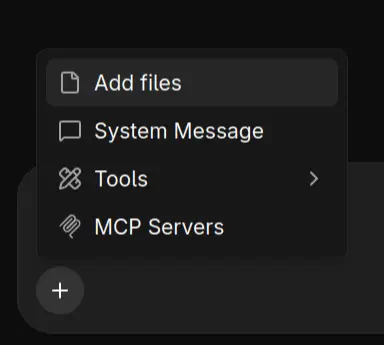
to:
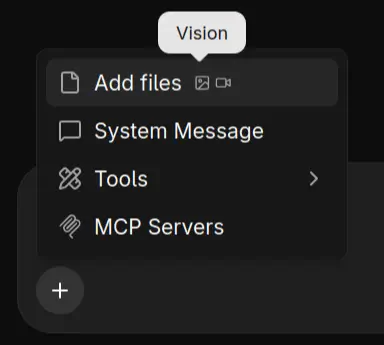
As far as I can tell, llama.cpp can dynamically load the multimodal model and offload it to the GPU without me having to specify any special configuration — it just works, including with Open WebUI 🚀